

4 Nov 2026 · 6 min read · Amello
How to Optimize Your Google Business Profile to Attract More Diwali Customers
During Diwali, customers searching for somewhere to eat often start with Google. They may look for a family restaurant nearby, a vegetarian restaurant, Diwali dinner options or a restaurant open late. Your Google Business Profile can become one of the first things they see. A complete and accurate profile makes it easier for Google to understand your restaurant and for customers to decide whether to visit, call, book or order. Google recommends keeping business information accurate and complete, adding photos, managing reviews and maintaining current hours to strengthen local presence. Amello can help restaurants identify gaps across their Google presence, reviews and digital visibility so owners know what deserves attention before festive demand peaks.

1. Make Sure Every Important Detail Is Accurate
Start with the basics. Check your restaurant name, address, phone number, website, business category and opening hours. Customers should not have to guess whether your restaurant is open, where it is located or how to contact you. Google says businesses with complete and accurate information are more likely to appear for relevant local searches. Use Amello to identify areas of your digital presence that may need attention before Diwali customers begin searching.
2. Update Your Diwali Special Hours
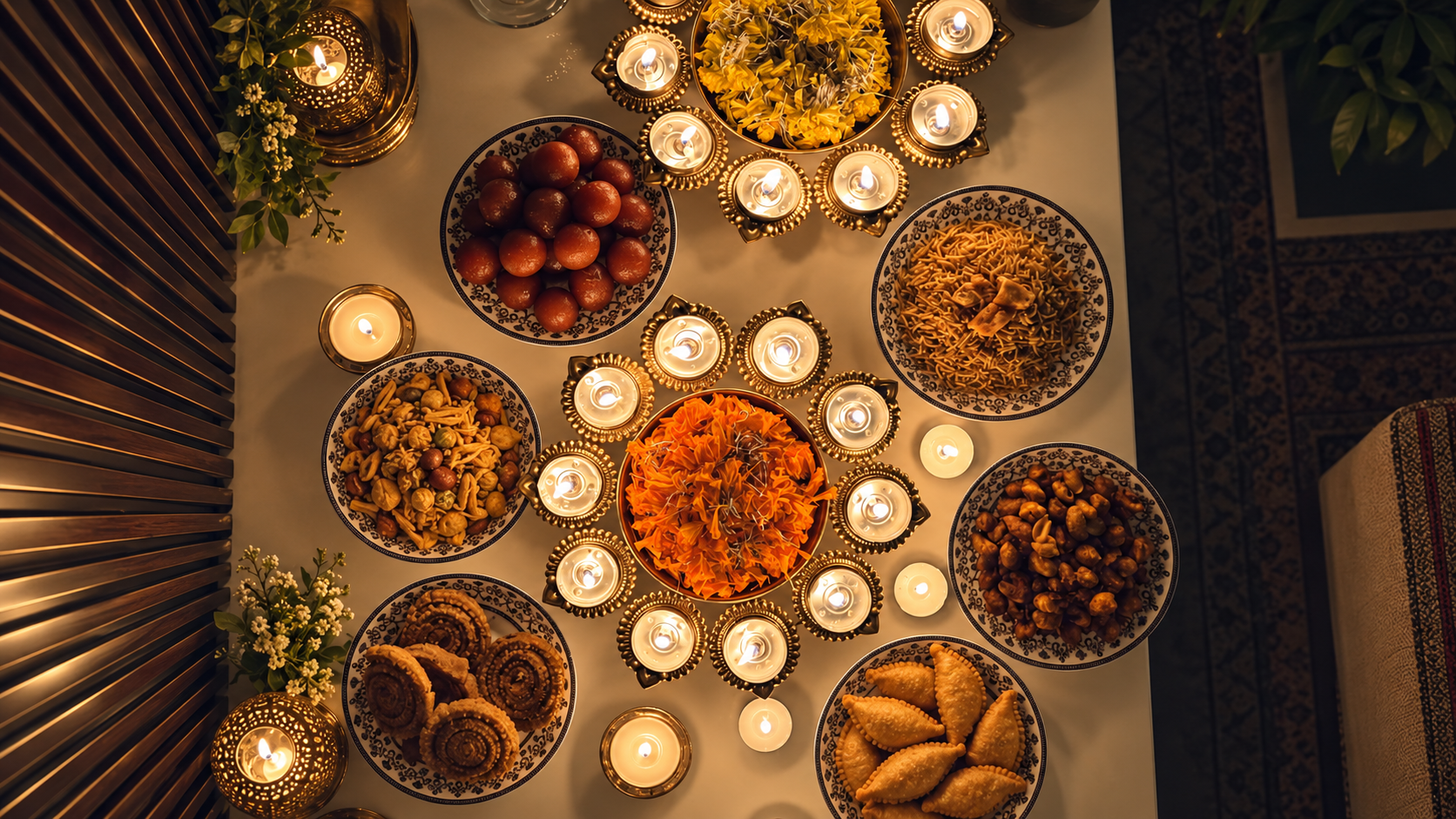
Customers searching during Diwali need to know whether your restaurant is actually open. If you are extending dinner service, opening earlier or changing operating hours, update your Business Profile instead of leaving regular timings unchanged. Google allows businesses to set special hours for holidays and short-term schedule changes. Accurate festive timings reduce confusion and make customers more confident about choosing your restaurant.
3. Choose the Most Accurate Restaurant Category
Your category helps Google understand what kind of business you operate. Choose the category that most accurately represents the restaurant rather than trying to add unnecessary keywords. Google recommends representing the business as it exists in the real world and keeping category information accurate. If you operate a vegetarian restaurant, café or a specific cuisine-led concept, your profile should clearly reflect that. Amello can help you look at whether your digital presence clearly matches what customers actually experience.
4. Update Your Menu Before Customers Start Searching
A customer may discover your restaurant on Google and immediately check the menu before deciding whether to visit. Google allows restaurants to manage menu sections, dish names, descriptions, prices and menu links where available. Make sure your current menu is accurate and highlight relevant Diwali offerings such as family meals, festive specials or dessert boxes. Use Amello to understand which menu items already show strong customer interest before deciding what deserves more visibility.
5. Add Recent Photos of Food and the Restaurant
Customers want to see what they are choosing. Add recent, realistic photos of your popular food, restaurant interiors, exterior, seating and overall dining experience. Google specifically recommends representative food and drink images that help customers understand what the business offers. During Diwali, include real photos of festive décor, family dining and special dishes rather than relying only on promotional graphics.

6. Make Your Business Description Useful
Your business description should quickly help customers understand what your restaurant offers and what makes it distinctive. Google allows businesses to include a short description about their offering and what makes the business special, while advising against turning the description into a space for promotions or sales messaging. Keep it clear and useful. Explain the cuisine, dining experience and relevant restaurant qualities rather than filling the description with phrases such as “best restaurant near me.”
7. Get Genuine Customer Reviews During Diwali
Higher festive footfall creates more opportunities to receive genuine customer feedback. Ask satisfied customers politely to share their experience rather than pushing them for a specific star rating. Reviews can help future customers understand what people value about your restaurant, and Google says reviews and positive ratings can contribute to local prominence. Amello can help restaurants understand recurring review themes so feedback becomes useful business intelligence instead of only a star score.
8. Respond to Reviews Instead of Ignoring Them
A customer deciding between two restaurants may read several recent reviews before choosing. Replying to those reviews shows that your restaurant pays attention to customer feedback, and Google recommends responding to reviews as part of managing local presence. Use Amello to understand common feedback patterns and support preparation of responses where appropriate. Positive comments can reveal what deserves promotion, while repeated complaints may show what needs fixing before the next busy evening.
9. Use Google Posts for Important Festive Updates
Restaurants can use Business Profile posts to share offers, updates and events. During Diwali, use them for genuinely useful information such as a festive menu launch, special dining experience or important update. Keep the message focused and make sure the information matches what customers will actually receive when they visit or order.
10. Track What Customers Do After Finding You
Optimizing the profile should not end with more views. Look at whether people are actually interacting with your restaurant after discovering it. Google highlights restaurant metrics such as searches, menu interactions and bookings where available. Use Amello to look beyond visibility and identify where customers may be dropping between discovery and action. A restaurant getting plenty of searches but very few customer actions may have a different problem from one that is barely being discovered.
How Amello Helps Improve Your Restaurant's Google Presence
Amello helps restaurants look at local visibility as part of the wider customer journey. Instead of only asking “Is our Google profile complete?”, owners can look at whether customers are discovering the restaurant, what reviews repeatedly mention, whether menu information reflects what customers want and what areas deserve attention next.
For one restaurant, Amello may highlight review patterns that need attention. For another, the bigger opportunity may be incomplete digital information, weak local visibility or menu items that deserve more exposure. The goal is not to promise a number-one Google Maps position. Google itself explains that local results depend primarily on relevance, distance and prominence and that businesses cannot pay for a better organic local ranking.
A Simple Google Business Profile Checklist for Diwali
Before the festive rush begins, review your business details, confirm special opening hours, update your menu and add recent food and restaurant photos. Check recent reviews and respond professionally, then make sure customers can easily find the website, menu and other important information they need to make a decision. Use Amello to identify digital-presence and reputation opportunities so your team can focus on the areas that deserve attention most.
Make It Easier for Diwali Customers to Choose You
A Google Business Profile should do more than show that your restaurant exists. It should help customers quickly understand what you serve, when you are open, what the restaurant looks like, what other diners think and what they should do next. During Diwali, when customers may be choosing between several nearby restaurants, those details can make the decision much easier.
Amello helps restaurants identify where that customer journey may be weak so owners can focus on improving the information, reputation and visibility that support discovery. The aim is simple: when a nearby customer searches for somewhere to eat this Diwali, make your restaurant easier to find, trust and choose.
Frequently Asked Questions
How Can I Optimize My Google Business Profile for Diwali?
Make sure your restaurant details are complete, update special Diwali hours, refresh your menu, upload recent food and restaurant photos, manage reviews and keep important website and contact information accurate.
Should Restaurants Update Their Google Hours for Diwali?
Yes. Google allows businesses to set special hours for holidays and temporary schedule changes, helping customers see when the restaurant is actually open.
Do Photos Help a Restaurant's Google Business Profile?
Photos help customers understand what your restaurant offers and what they can expect when they visit. Google recommends uploading representative images of food, drinks and the business experience.
Do Google Reviews Matter for Local Restaurant Visibility?
Yes. Google says review quantity and positive ratings can contribute to prominence, which is one of the factors used in local rankings. Reviews also help potential customers decide whether they trust the restaurant.
How Can Amello Help With Google Business Profile Optimization?
Amello can help restaurants identify opportunities across Google presence, reviews, website and local visibility so owners can understand what deserves attention and improve how customers discover and evaluate the restaurant.
See what Amello finds for your restaurant.
Get a free AI growth audit of your listing, reviews and local search presence.
Find my Restaurant